
User Tools
grid:usercert
This is an old revision of the document!
How to renew a user certificate
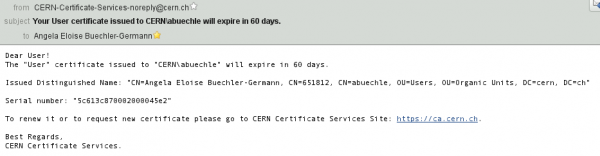 if you got an email with that content, this manual will help you to renew your user certificate:<p><\p>
- go to https://ca.cern.ch
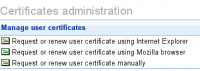 click on 'Request or renew user certificate using Mozilla browser'
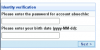 enter your password and birth date and click 'Next'
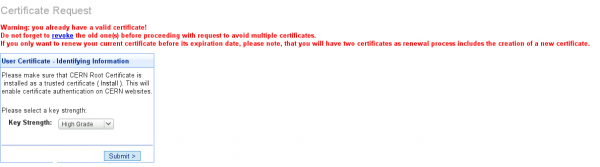 click 'Submit'
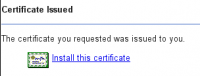 click on 'Install this certificate'
- go back to https://ca.cern.ch
 click 'List and revoke certificates'
 check if the new certificate is there: 2 new entries with the new certificate expiration date
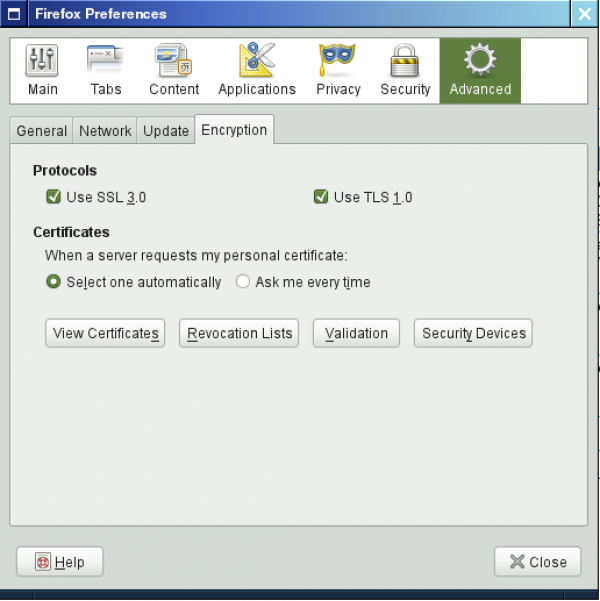 choose the firefox menu Edit→Preferences, Advanced, 'View Certificates'
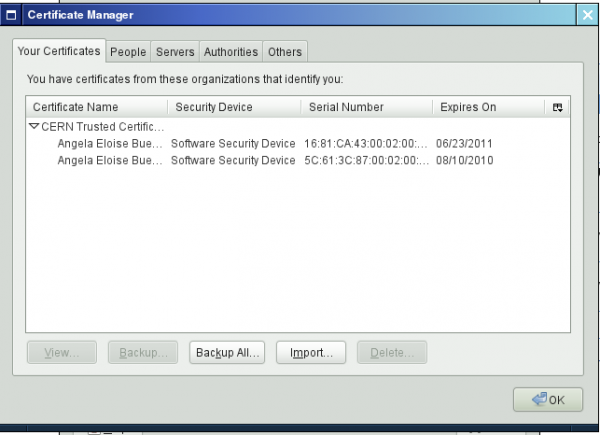 remove the old certificate


grid/usercert.1277285287.txt.gz · Last modified: by abuechle
Except where otherwise noted, content on this wiki is licensed under the following license: CC Attribution-Noncommercial-Share Alike 4.0 International


